
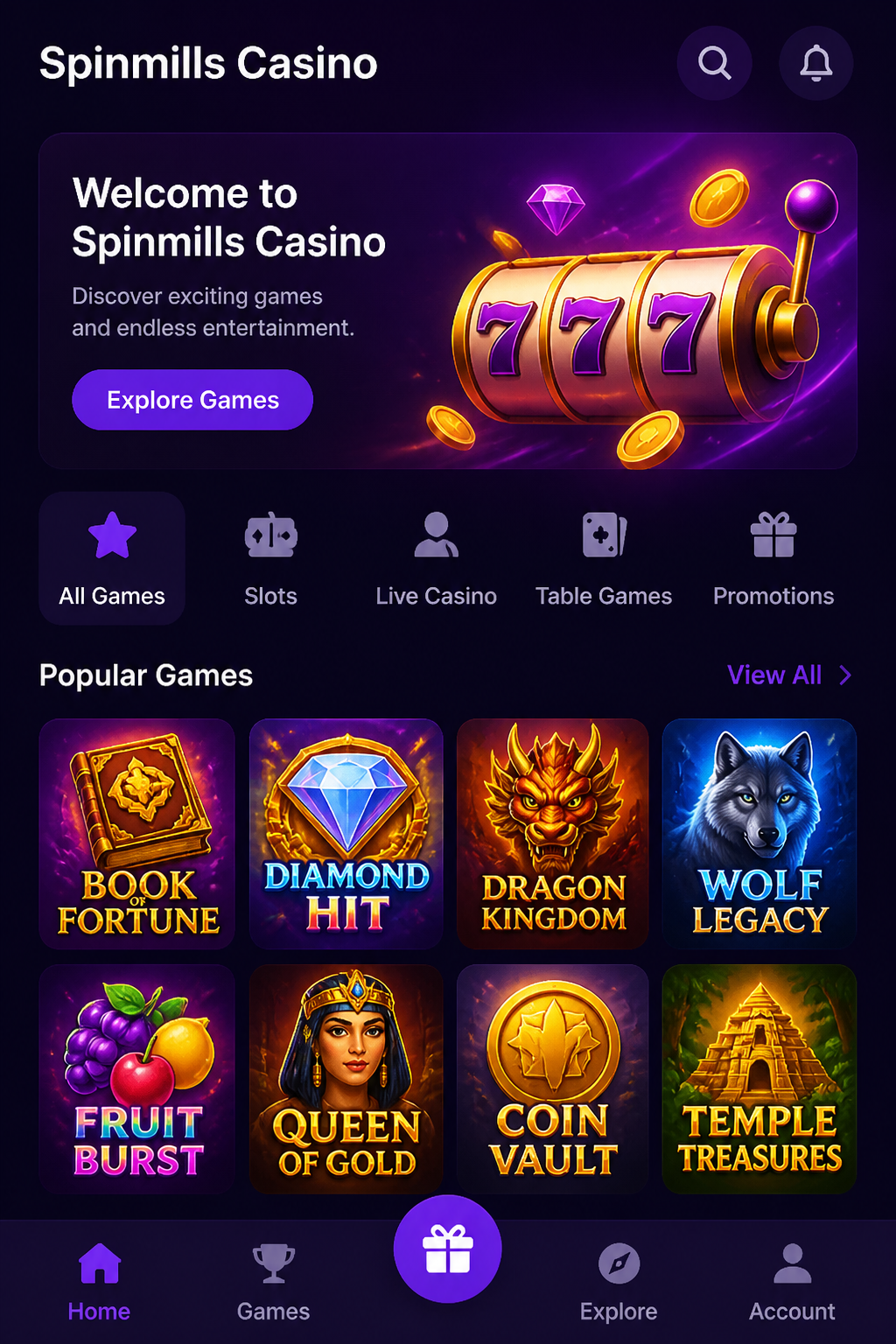
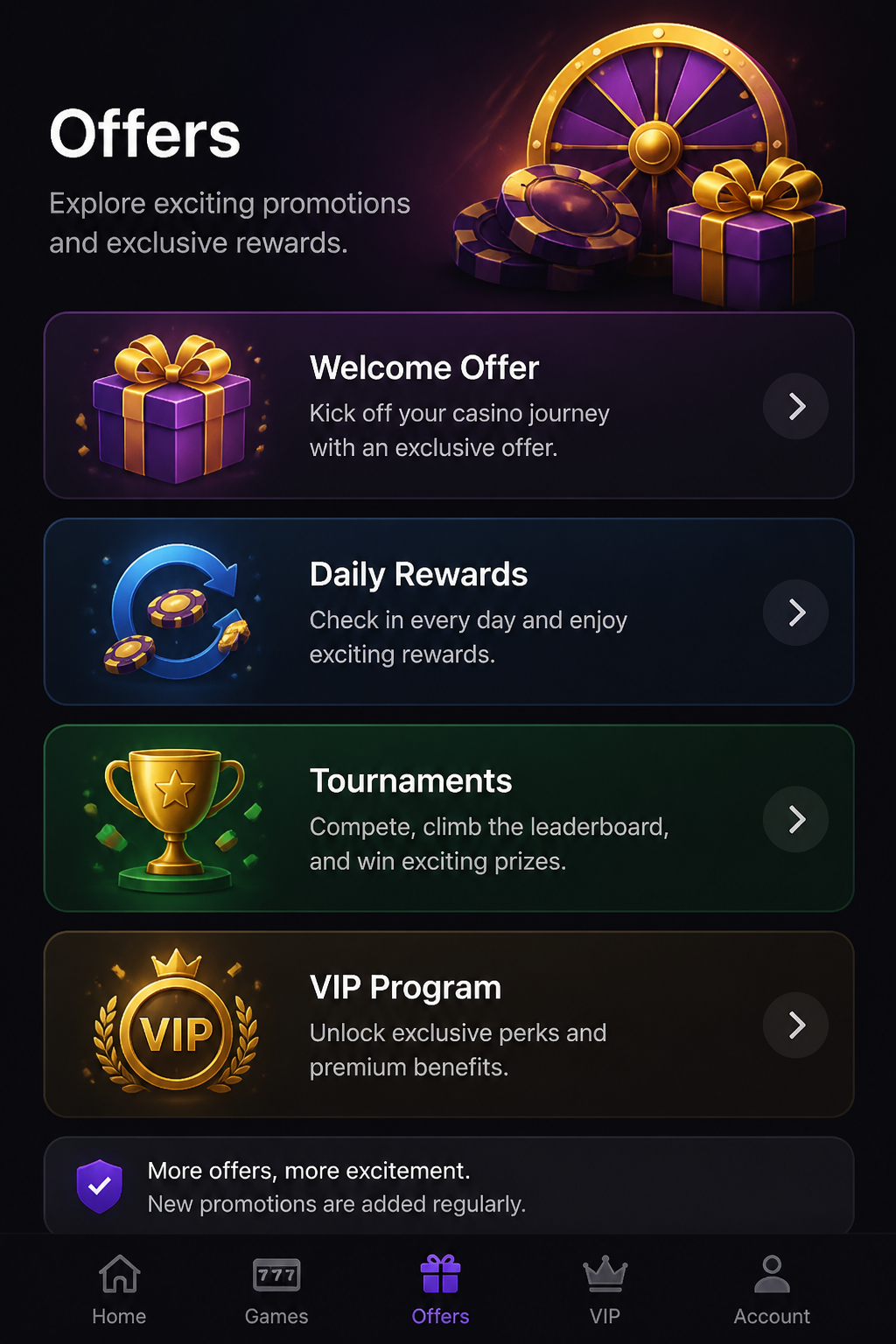
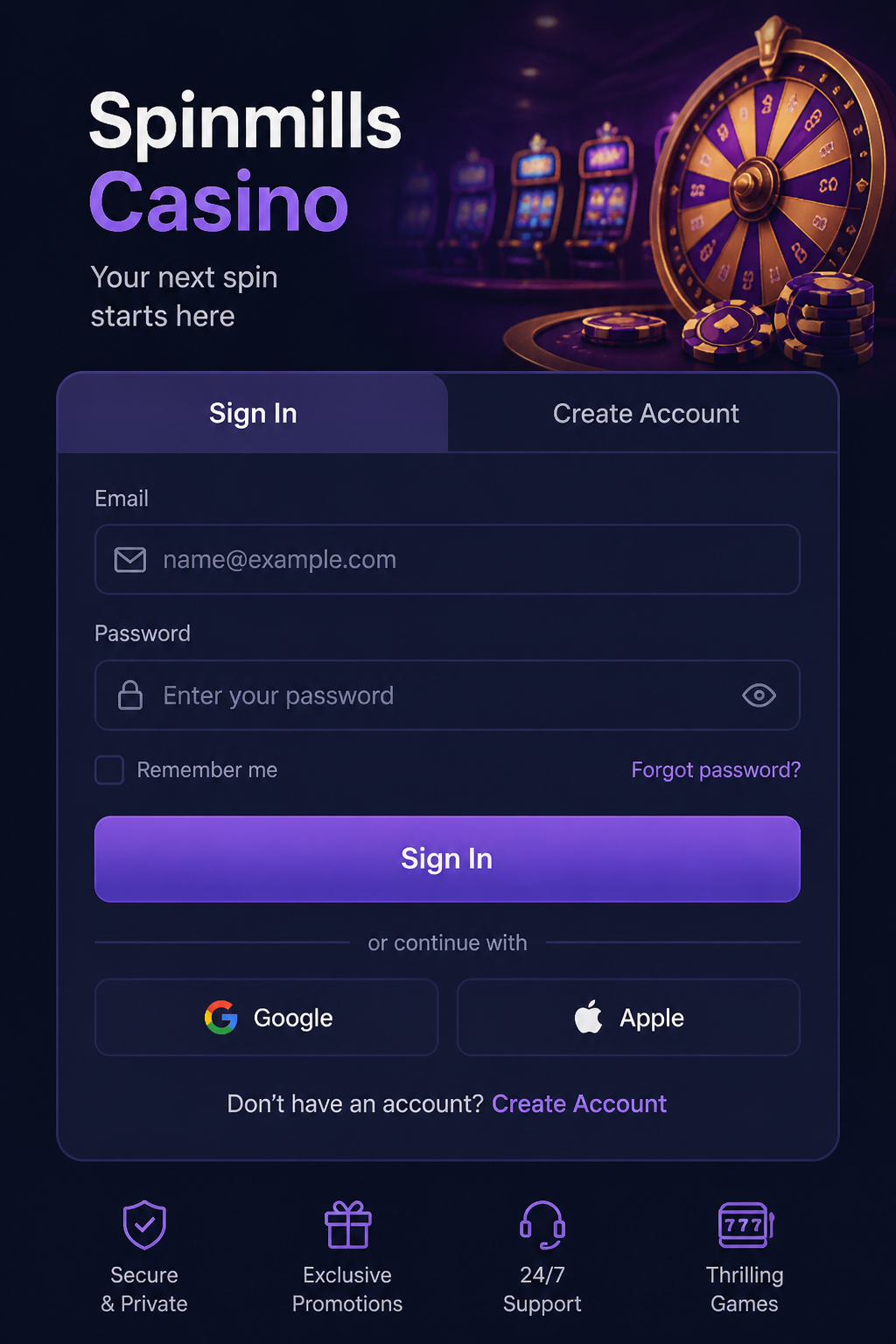
Spinmills.net describes a mobile-friendly casino website that can be accessed without downloading a separate application. That makes the browser the natural starting point for someone using an iPhone, Android phone or tablet. You open the website, sign in where permitted and use the available account features on a smaller screen. This is different from installing a native app from an official app store.
Mobile access matters because a casino is not just a collection of games. Registration, payments, verification messages and account settings also have to work clearly on a touch screen. A layout that shows a slot attractively but hides the current balance or the rules is not truly convenient. Here is what to look for when assessing the Spinmills mobile experience.
| Access | Mobile website |
| Android | Through a current mobile browser |
| iPhone and iPad | Through a current mobile browser |
| Separate application | Not required according to Spinmills.net |
| Games | Available mobile slots and live tables |
| Payments | Mobile cashier; availability varies by region |
| Security | Verify the domain and secure account access |
Is there an official Spinmills Android or iPhone app?

For the website covered by this guide, Spinmills.net says that a separate app is not required. We have not verified a dedicated official Android or iOS application linked specifically to that domain. As a result, articles that promise an APK download or a named App Store listing should not be accepted without checking the source. Similar casino names appear on different web addresses, and the existence of a download using the same name proves little about its ownership.
A mobile browser can offer a convenient alternative. Modern websites can adapt the number of game tiles per row, move navigation into a menu and resize buttons for touch input. Some browsers also allow you to put a shortcut on the home screen. That shortcut may look like an app icon, but it still leads to the website and does not provide offline casino games or an independently verified native application.
Keeping access browser-based also means updates to the site can appear without users installing a new application package. On the other hand, performance depends on your device, operating system, browser version and connection. If a game does not load, updating the browser and restarting the page may be more useful than searching for an unofficial installation file.
Using Spinmills on an Android phone
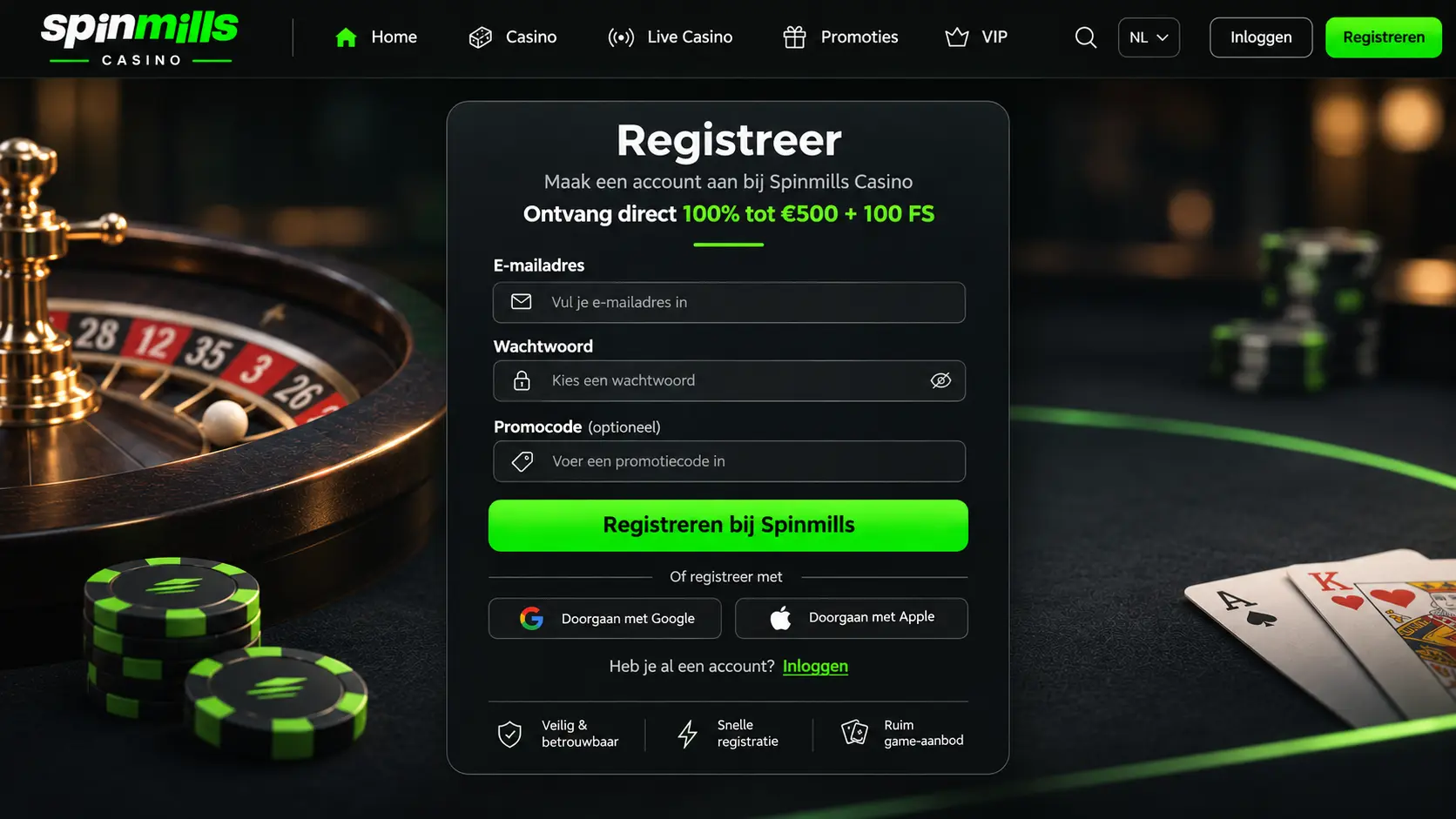
The basic Android approach is to open the intended domain directly in an up-to-date browser. Check that the navigation can be reached with one hand and that links are far enough apart to prevent accidental taps. For a game lobby with many titles, a search box or sensible category filters can save a considerable amount of scrolling.
Before making a deposit, confirm that the payment page shows the amount and currency clearly. If the screen appears frozen after a payment attempt, do not immediately repeat the transaction. First check whether the money has left your bank or wallet and whether a deposit is recorded in the account. Repeated taps can create duplicate requests, especially on an unstable connection.
Android browsers may offer a menu option to add the current website to the home screen. Use that only after checking the address. Avoid permission prompts that do not seem relevant to the task, such as unexpected access to contacts or unrelated device features. A legitimate browser visit should not require you to install software from an unknown source simply to reach the game lobby.
Playing on iPhone and iPad

On an iPhone, the experience is likewise based on the mobile website. Safari and other supported browsers can display responsive layouts, but certain games may behave differently depending on the device and browser engine. A live table may need landscape orientation, while a simple slot may fit comfortably in portrait mode. Try to keep the stake and account balance visible without zooming to an impractical size.
You can create a home-screen shortcut where your browser supports that feature. It is a convenience feature, not a separate licensed product or an additional version of the casino. If a saved shortcut stops working, open the website manually and check whether the address has changed. Do not follow unexpected messages claiming that a new mandatory application is needed before an account can be used.
Autofill tools can be helpful for login details, but double-check any personal information they insert. A wrong date of birth or a name entered with an old spelling may complicate later verification. Make sure the device is protected with a passcode or biometric lock, particularly if the browser remains signed in.
Slots, live tables and the small-screen problem
Many modern slots are designed to scale down for mobile use. Even so, the quality of the experience differs. A game full of bonus panels and tiny icons may be difficult to understand on a compact screen. Look for the information menu before placing a stake, then confirm that you can see the selected amount and the rules for special features.
Live casino games place greater demands on a connection because they combine video, betting controls and timed decisions. A brief pause in the video does not always mean the underlying round has been cancelled. Check the session history when something appears wrong rather than placing a second bet immediately. Using reliable Wi-Fi or a stable mobile connection can reduce frustration, although it cannot eliminate technical issues.
Game availability may also differ by device and region. A provider can disable a title in a particular market, and some older games may not support newer browsers. The site advertising thousands of games does not imply that every title will work on every phone. A clear message about unavailable content is more valuable than a page that simply fails to load.
Account security while travelling or using shared networks
A mobile casino account can contain identity information, payment records and a playable balance. Treat it accordingly. Avoid entering sensitive details on a public computer or a phone you do not control. On unfamiliar networks, be especially careful with login pages reached through advertising messages or shortened links. Type the website address directly rather than trusting a message that promises urgent account benefits.
Unique passwords matter because reused credentials can expose several services at once. When available, use additional authentication controls and review active sessions. After using a shared device, sign out completely rather than simply closing the tab. Do not store photographs of identity documents in an automatically shared folder after completing verification.
Support agents may help with account access, but no legitimate reason requires handing over your password in a chat. A request that creates unusual pressure should be treated cautiously. When you are uncertain, return to the normal account interface and start a fresh support conversation through the channel shown there.
Deposits and withdrawals from a phone
Spinmills describes several categories of payment methods, but the set shown in a mobile cashier can depend on location, currency and account settings. Check the available option and any displayed minimum before confirming a deposit. Mobile wallets may make payment faster, but speed at the deposit stage does not remove identity checks or the processing period for a later withdrawal.
For withdrawals, make sure you understand whether the requested method is supported and whether it must match the name on the casino account. Verification may involve submitting documents through a secure account form. A phone camera makes that convenient, but check that the images are readable and do not reveal more information than the service legitimately requests.
If a withdrawal status appears unchanged, remember that the casino's internal processing and the transfer to your bank are separate stages. Repeatedly cancelling and resubmitting a request may not make it quicker. Keep the transaction reference and ask support a precise question if the published processing window is exceeded.
Speed, data use and device settings
The most resource-intensive mobile features are usually video-heavy live tables and detailed animated games. Battery usage and mobile data consumption may rise during long sessions. Keep the browser updated, close unused tabs if performance becomes unstable and avoid switching between apps while a financial transaction is being confirmed.
A screen timeout can interrupt the interface, but it does not necessarily stop activity already accepted by the server. If you return from a locked screen, refresh the balance and game history before doing anything else. At the end of a session, sign out and close the page if other people use the device.
Final view on Spinmills mobile access
The advertised mobile approach for Spinmills is a browser-based site rather than a required standalone application. That is potentially straightforward, provided navigation, account controls and payments remain usable on a small screen. There is no reason to seek an unverified APK merely to use the website.
Before registering, check whether the operator is authorised where you live, then assess the mobile controls without rushing into a deposit. A smaller screen should not mean accepting less information about stakes, bonus rules or payment conditions. Treat mobile play with the same spending and time limits you would use on a computer.